Getting started
Install Arcanum Engine, approve OAuth scopes, and choose a billing plan.
Install the app
- Find Arcanum Engine in the Shopify App Store or use your Arcanum partner install link.
- Approve OAuth permissions — the app needs checkout, customer, inventory, order, and product access.
- Choose a subscription plan (Starter includes a 7-day trial and three concurrent email playbook slots).
- Open the embedded app from Shopify Admin.
OAuth scopes
| Scope | Used for |
|---|---|
| read_checkouts | Abandoned checkout watch and digest metrics |
| read_customers, write_customers | VIP and abandoned-checkout customer tags |
| read_inventory | Low stock alerts |
| read_orders | VIP routing, review request, weekly digest |
| read_products | Weekly digest top SKUs |
App navigation
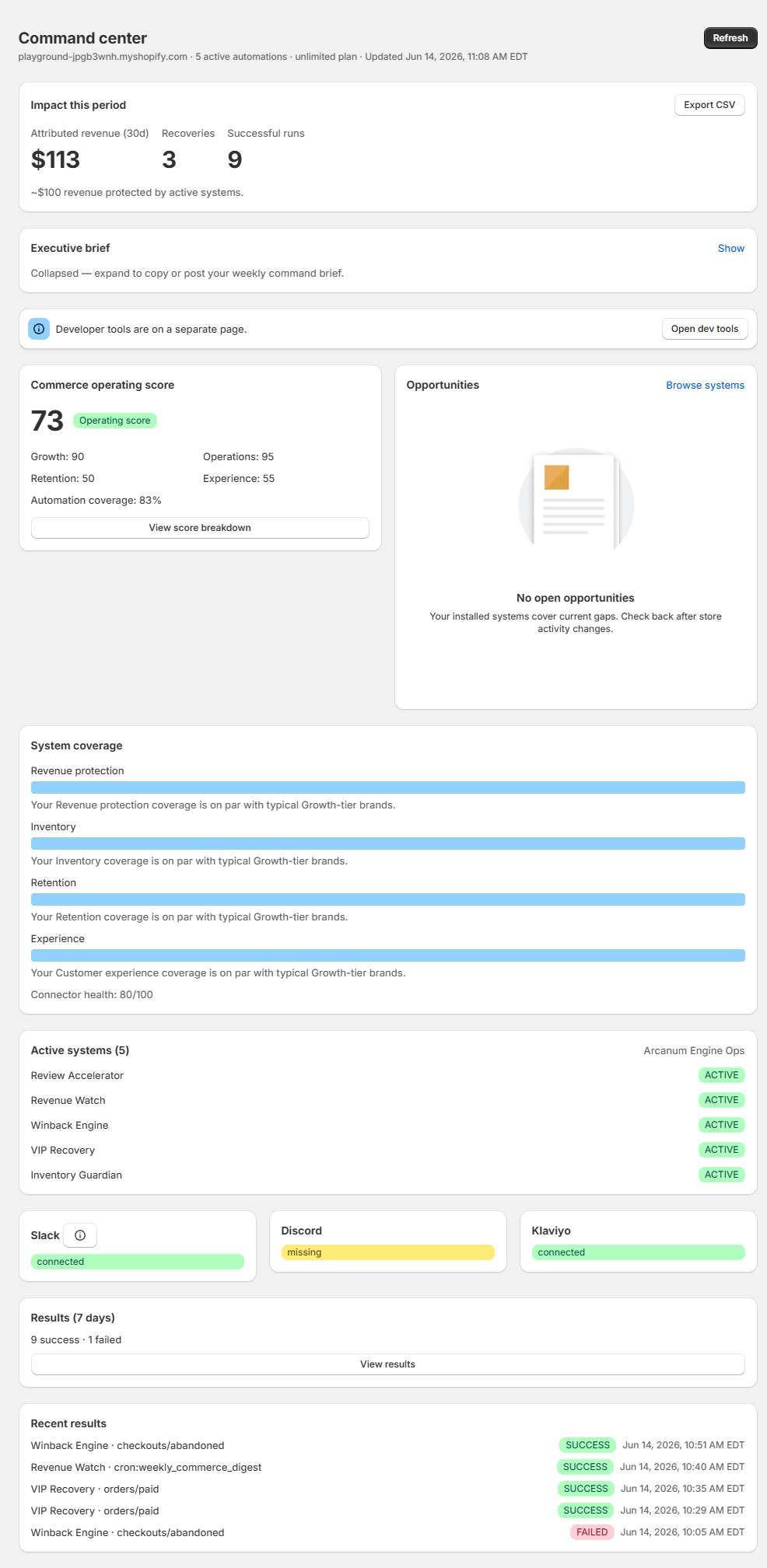
- Command center — operating score, opportunities, system coverage
- Systems — commerce systems, industry packs, and individual playbooks
- Results — attributed impact and execution history
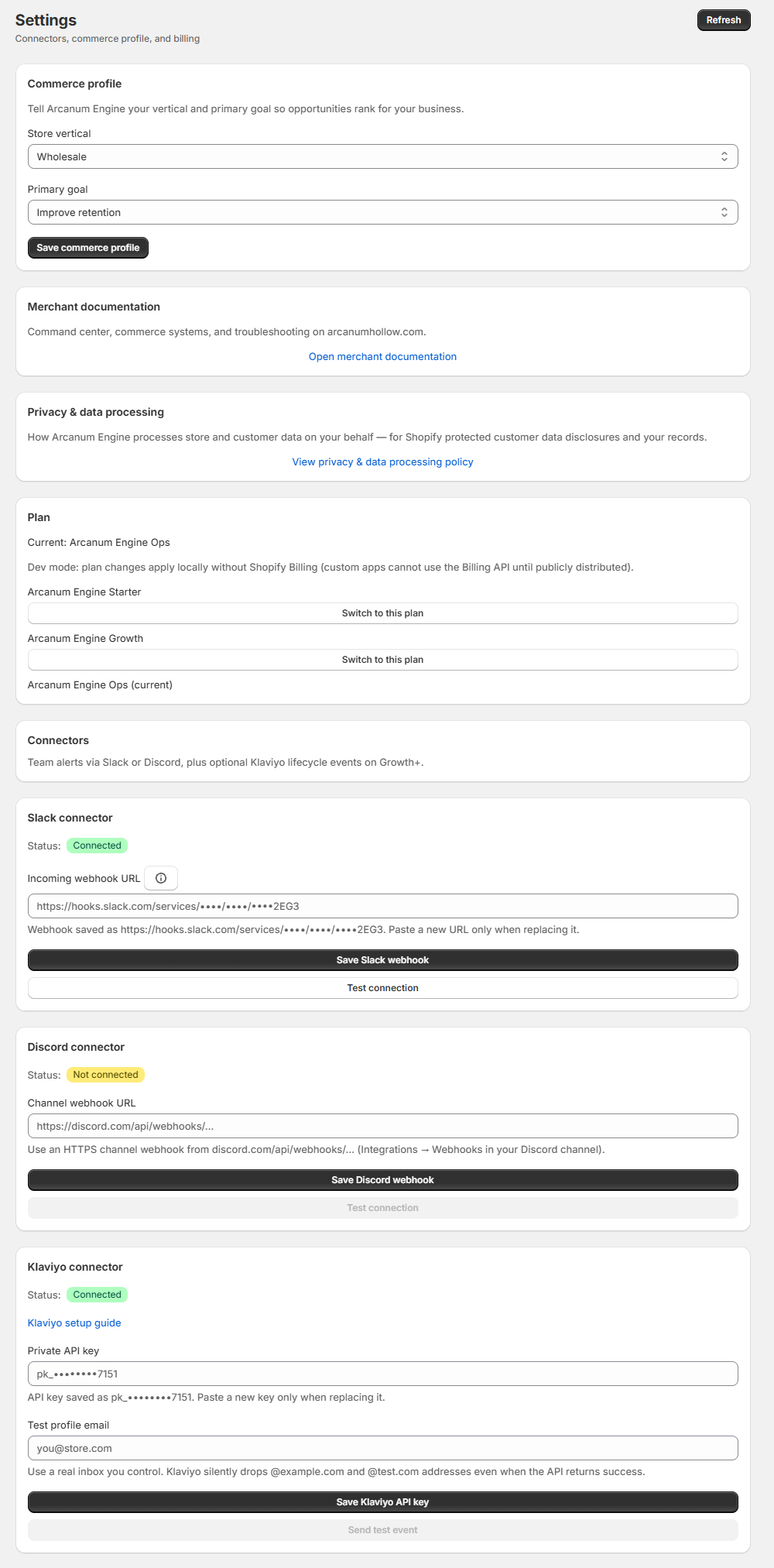
- Settings — email alerts (Resend), Slack, Discord, Teams, Klaviyo, storefront tracking, commerce profile, billing
- How to use — in-app quick reference
Connect email alerts (Starter)
Arcanum stack and Hollow Reserve
Command center and Settings show the Arcanum stack card when companion apps are installed or recommended. When Hollow Reserve is on the same store, lifecycle playbooks that overlap appointment journeys show Reserve handles client lifecycle on the Systems page — Engine defers those runs so your team is not alerted twice.
Was this page helpful?