Getting started
Install Hollow Sentinel, approve OAuth scopes, choose billing, and learn the app navigation.
Install the app
- Find Hollow Sentinel in the Shopify App Store or use your Arcanum partner install link.
- Approve OAuth permissions — the app needs read access to orders, products, inventory, themes, and shop configuration.
- Choose a subscription plan (Starter includes a 7-day trial).
- Open the embedded app from Shopify Admin.
OAuth scopes
| Scope | Used for |
|---|---|
| read_orders | Revenue health, refund signals, briefing metrics |
| read_products | Catalog change monitoring and inventory health |
| read_inventory | Stock level anomalies and revenue-at-risk estimates |
| read_themes | Theme publish detection and store timeline events |
| read_content | Store timeline events |
| read_shop | Shop settings changes recorded in store memory |
App navigation
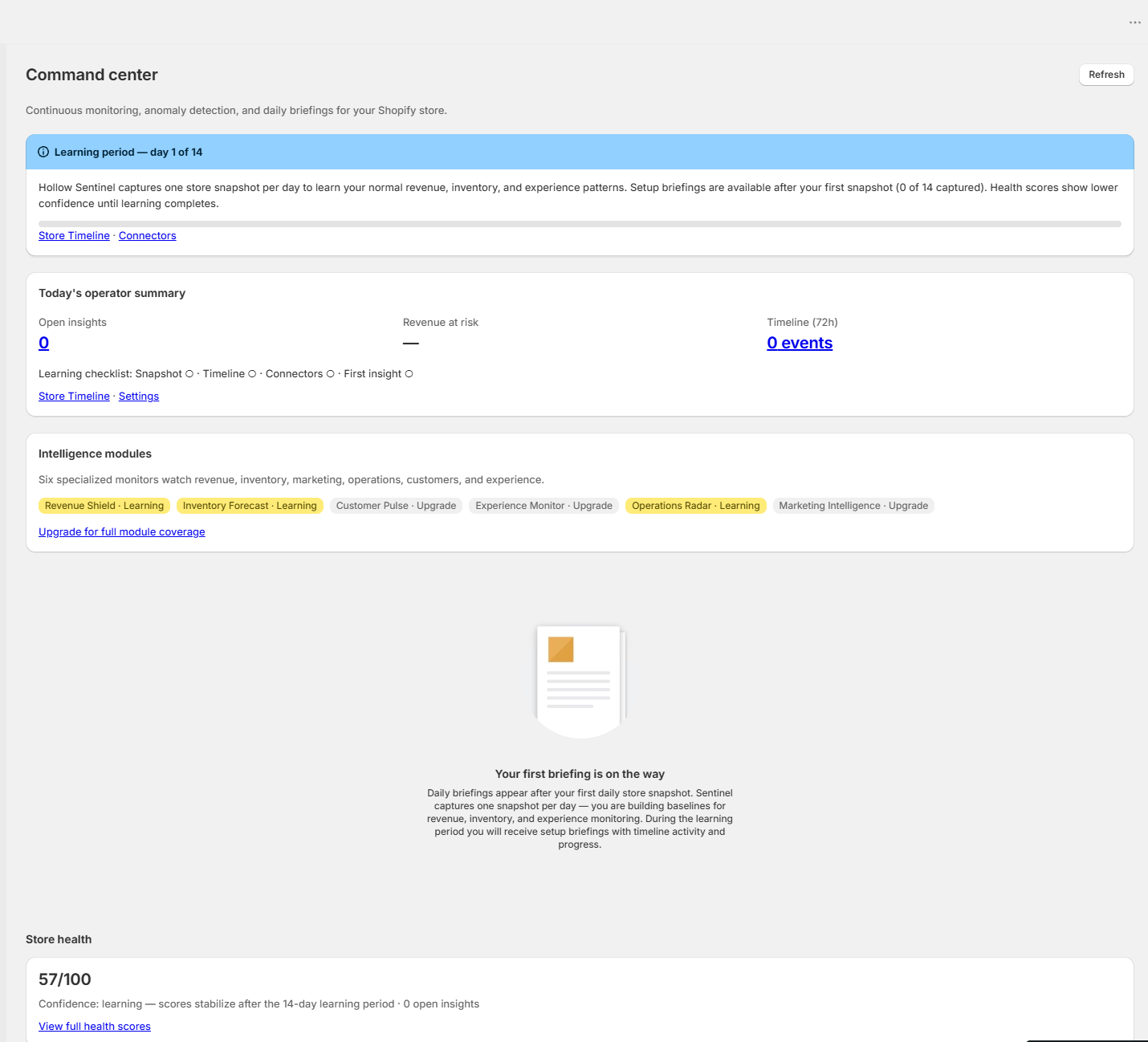
- Command center — Decision queue, intelligence modules, operator summary, setup/daily briefing, health scores, Ask Sentinel (Growth+), inventory forecast (Scale+), Engine opportunities
- Store timeline — chronological theme, product, app, Engine, and shop changes with related insight links
- Insights — open anomalies ranked by severity; root-cause hints, AI-assisted narrative when configured (Growth+), timeline deep links
- Health — dimension scores and industry peer benchmarks (Growth+); inventory forecast and experience probe status (Scale)
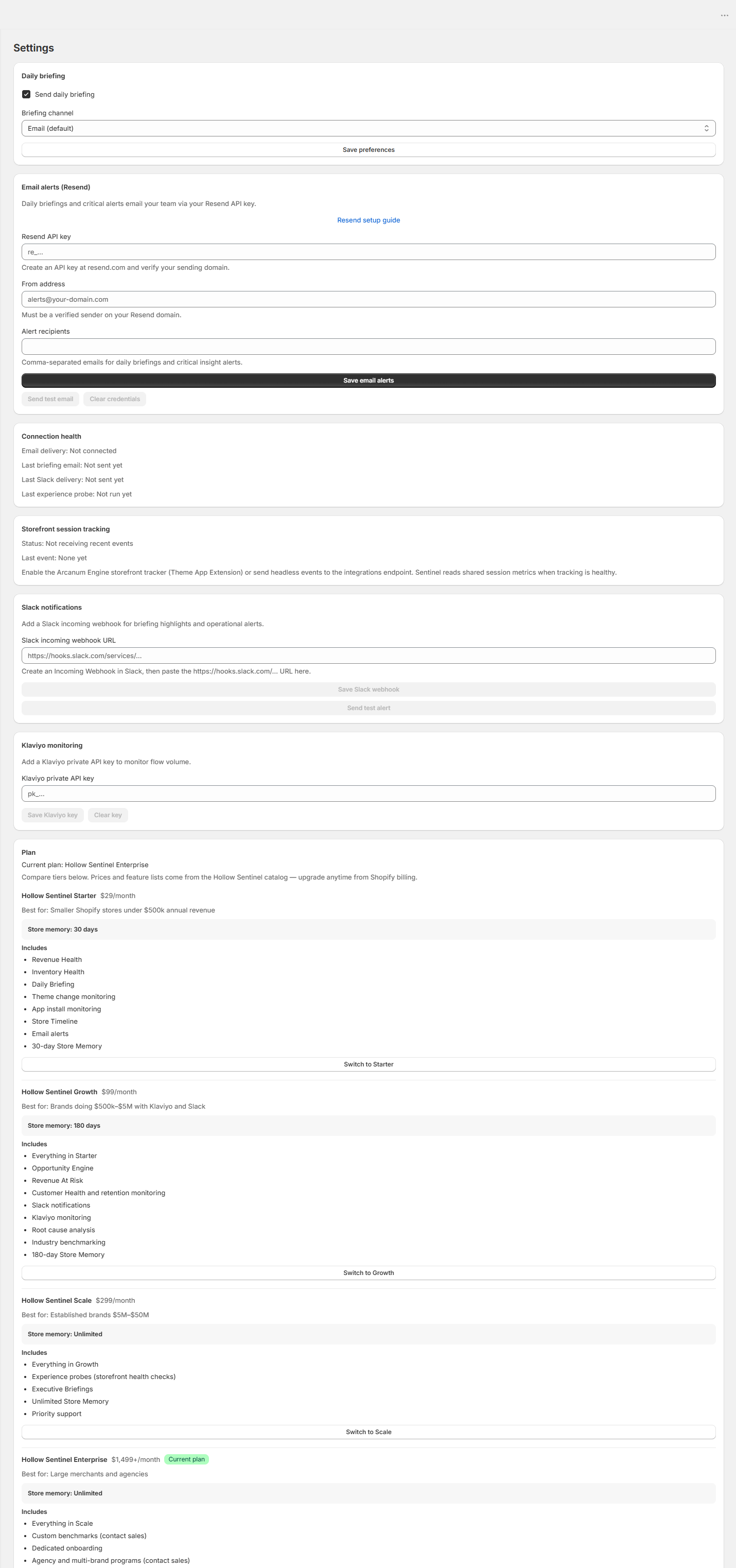
- Settings — billing, email alert recipients, briefing channel (email or Slack), Klaviyo API key, Public API key (Scale+), connection health
- How to use — in-app quick reference linking to this documentation hub
Intelligence modules
Command center shows six modules — Revenue Shield, Inventory Forecast, Customer Pulse, Marketing Intelligence, Operations Radar, and Experience Monitor — with status badges: Active when Sentinel has a signal, Learning during the 14-day baseline window, Watching when entitled but quiet, or Upgrade when your plan does not include that module.
Was this page helpful?